AI summary
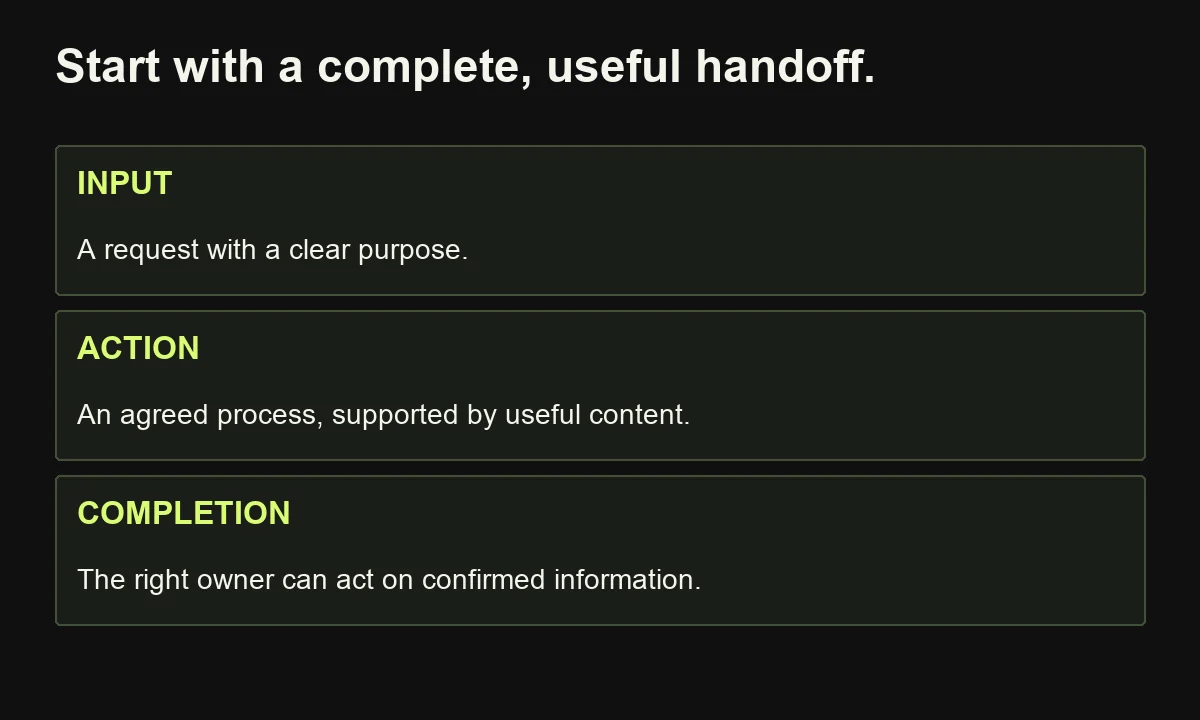
Start with one recurring problem and prove a complete workflow before expanding. The useful first milestone is a customer request reaching the right owner with enough context to act, not a complicated sequence or a high count of successful software runs.
- Define completion before configuration: Agree the input, eligible audience, ownership, destination evidence and exit conditions. Keep request identity separate from contact identity so retries do not create duplicates or erase new enquiries.
- Prepare the communication: Build messages around real buyer questions, preserve preferences and make commitments the team can honour. AI can assist interpretation and drafting while people own direction and consequential decisions.
- Test and measure the full process: Check missing data, timeouts, duplicates and changed preferences. Reconcile eligible requests against confirmed outcomes, including exceptions. Expand when the pilot demonstrates useful improvement, with maintenance and review responsibilities assigned.
Start B2B marketing automation by choosing one recurring customer or sales problem, defining the intended outcome and documenting the process manually. Establish reliable records, entry and exit rules, useful content and an accountable owner. Then build the smallest workflow, test normal and failure cases, and measure completed handoffs before expanding.
A new enquiry arrives. Marketing sees a form submission. Sales sees an email address. Nobody knows whether the person wants a consultation, a document or help with an existing project.
Automating five follow-up emails will make this process busier. It will not make the request clearer.
That is where I would start: make the next action understandable before making it automatic. The strongest first workflow is one whose purpose, inputs and completion conditions you can explain without opening the software.
This guide is for B2B founders and marketing teams building their first practical automation. It follows a hypothetical consultation enquiry from capture to sales acceptance, with examples you can adapt to webinars, lead nurturing and customer communications.
The examples are design recommendations, not client results or universal performance benchmarks. You will also get a downloadable launch worksheet and a clear way to decide whether the first workflow is ready.
If you are still evaluating the investment, read whether B2B marketing automation is worth the money. Here, we move from the business case to a controlled implementation.
1. What is B2B marketing automation actually automating?
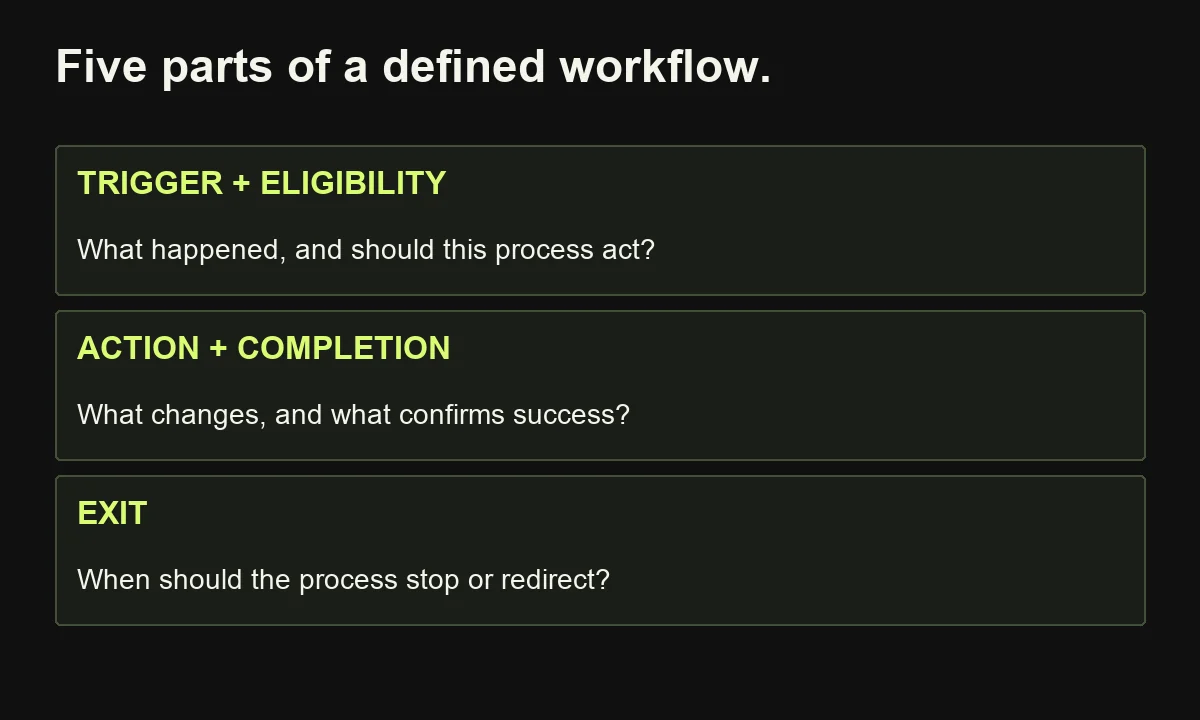
B2B marketing automation uses software to carry out defined marketing actions when specified events or conditions occur. It can capture enquiries, update records, deliver relevant messages, create sales tasks and record outcomes. A trigger starts the process; rules determine eligibility; actions perform work; exit conditions stop or redirect it.
Keep the components distinct:
| Component | Question | Consultation example |
|---|---|---|
| Trigger | What happened? | A consultation request arrived |
| Eligibility | Should this process act? | Required information is present |
| Action | What should happen? | Create or update the enquiry record |
| Completion | What proves the handoff worked? | Named owner accepts or dispositions it |
| Exit | When should this path stop? | Request resolved, withdrawn or transferred |
A customer relationship management system, or CRM, holds relationship records. A marketing platform manages messaging and related workflows. An integration service moves information and coordinates actions between tools. One product may cover several functions.
AI is optional. Exact rules can handle a known form field or assignment. AI can help interpret free-text notes or prepare a response, provided uncertainty and review are designed into the process.
The B2B complication is that a person and a company are different units. One employee's download does not establish that their company is ready to buy. Preserve the actual request instead of converting every interaction into a sales opportunity.
2. Choose your first workflow by the problem it solves
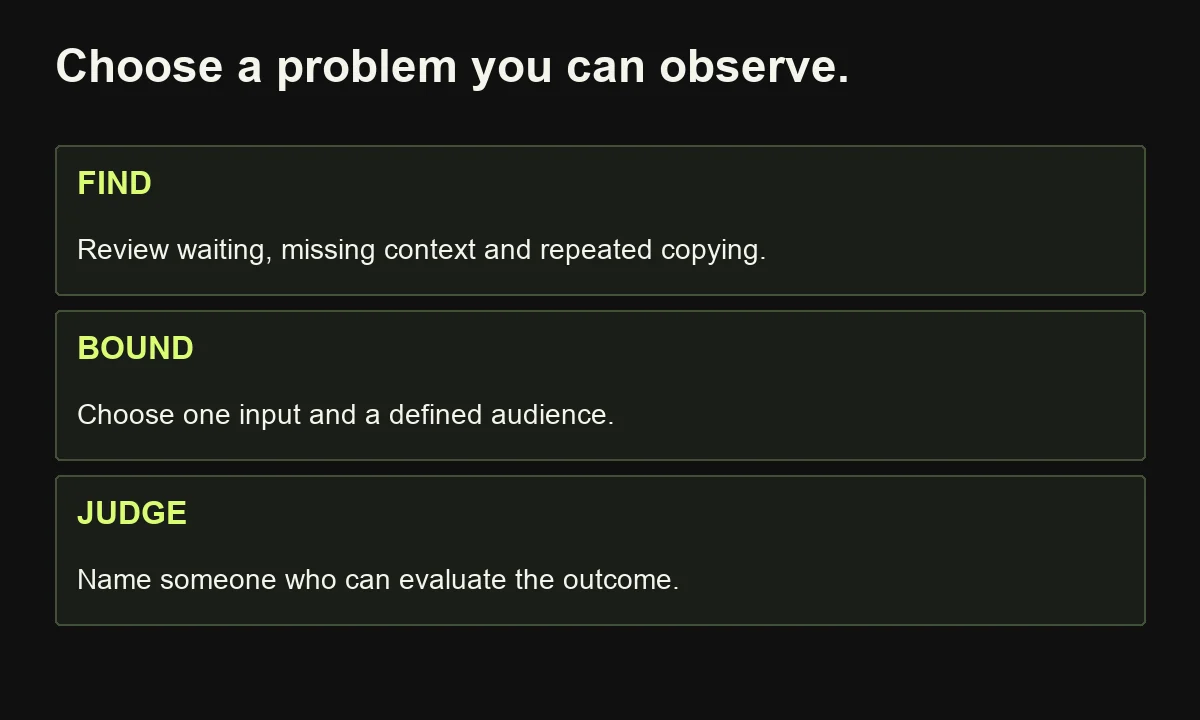
Choose a recurring process with a clear input, a useful outcome and someone who can judge whether it worked. Prioritise a visible operational problem over an ambitious feature demonstration. If the process changes constantly or depends on information nobody collects, clarify it before trying to automate the whole journey.
Review recent real examples. Where did the request wait? What did the next person need to ask again? Which steps involved copying information rather than making a decision?
Good candidates include:
- Routing consultation requests to a responsible person.
- Delivering an explicitly requested resource and recording delivery status.
- Reminding an owner about an unresolved handoff.
- Preparing webinar follow-up for people eligible to receive it.
Avoid starting with an elaborate predictive lead score simply because the platform offers one. A score is hard to validate when the team has not agreed what a useful enquiry looks like.
Write a specific success statement: “Every eligible consultation request should reach an accountable owner with enough context to decide the next action.”
Then define a boundary: this pilot covers new consultation enquiries, not every contact in the database. Existing customer support requests go to a separate process.
There is no universal minimum lead volume. At low volume, a clearer form and a manual checklist may be sufficient. Automate when the recurring problem and expected benefit justify the setup, review and maintenance work.
3. Map the manual process and agree the completion rule
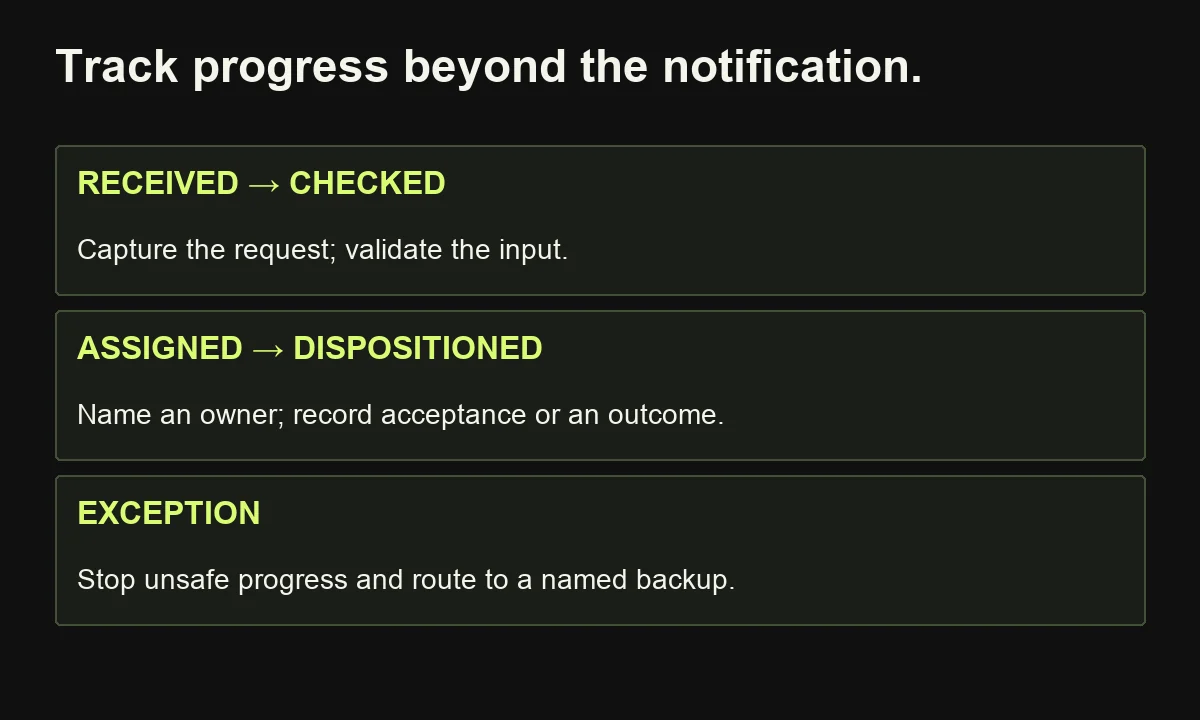
Draw the process as it works today, including waiting, decisions and exceptions. Then define the improved version before configuring software. A workflow is not complete merely because a notification was sent. Completion should describe a verified state that the next responsible person or system can recognise.
For our consultation example, use these states:
Received → Checked → Assigned → Accepted or dispositioned.
Add an Exception state for items that cannot safely proceed. “Dispositioned” means the owner recorded a meaningful outcome, such as requesting clarification, redirecting support or declining an unsuitable request.
At each transition, specify who owns it and what evidence confirms it. “Assigned” needs an owner identifier, not just a message in a busy channel. “Accepted” needs a recorded acknowledgement, not an assumption that someone read the notification.
Agree a response window that fits staffing, working hours and the request. A hypothetical team might require ownership review by the next business day. That is a local operating choice, not a benchmark for every business.
If the window passes, escalate to a named backup. If nobody can cover that responsibility, the workflow has an organisational gap that software cannot resolve alone.
This state map is a practical extension of the Handoff–Evidence–Owner planning method in my investment guide. It is a proposed operating aid, not a validated model. Its value is making success and unfinished work visible.
4. Define the minimum data before connecting tools
Collect enough information to identify the request, understand its purpose and support the permitted next action. Give each essential field a clear meaning and source. Avoid gathering extra data merely because an integration can provide it. Missing information should create a visible exception or clarification task, rather than a fabricated profile.
For the pilot, define a small record:
| Field | Purpose | Example rule |
|---|---|---|
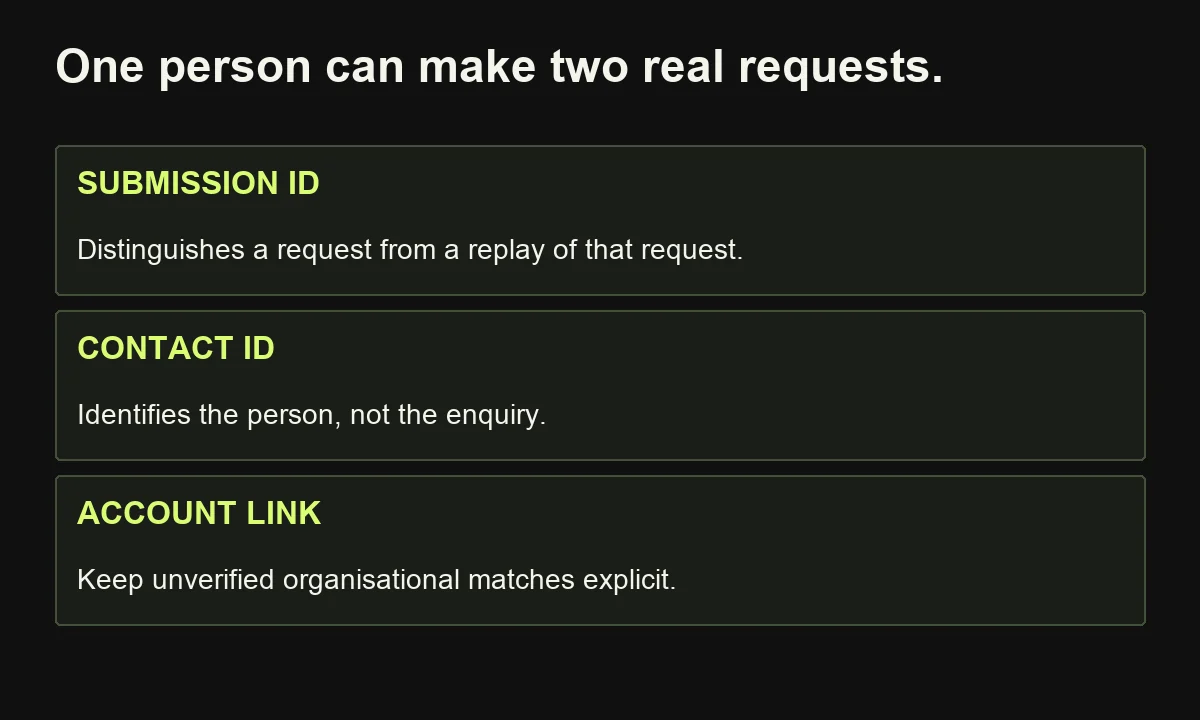
| Submission ID | Identify this specific request | Stable across retries |
| Received timestamp | Establish sequence and elapsed time | Store consistently |
| Contact details | Respond to the requester | Validate required format |
| Company or account | Provide organisational context | Leave unverified matches explicit |
| Request and service interest | Preserve what the person asked | Retain the original wording |
| Communication preferences | Govern relevant messaging | Preserve source and status |
| Owner and disposition | Make responsibility visible | Require a recorded outcome |
Keep request identity separate from contact identity. Two submissions from one person may concern different projects. One repeated delivery of the same submission should not create two enquiries.
Choose the authoritative location for owner, status and preferences. Decide which system may update each field and what happens when values conflict.
Before importing records, test a small controlled sample. Check field mapping, character handling and dates. An apparently successful import can still put the right information into the wrong column, undermining every decision downstream.
5. Set entry, exclusion and exit rules explicitly
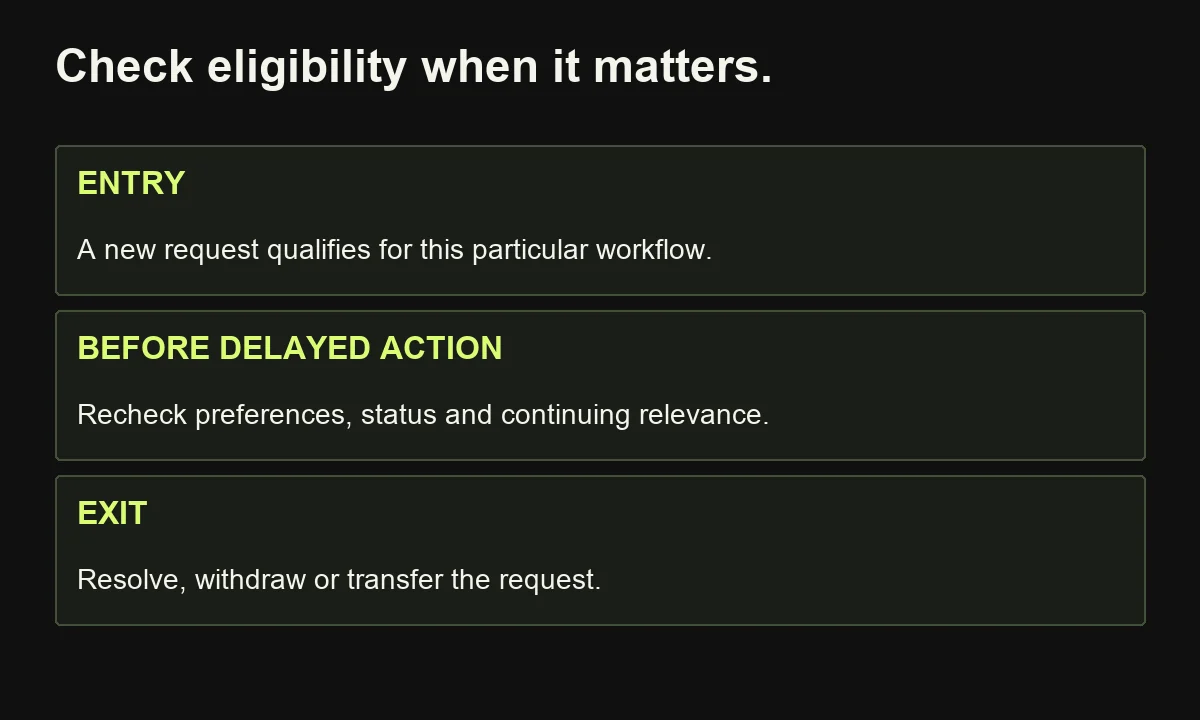
Define who enters, who stays out and what stops further action. Evaluate these rules at the points where they matter, including before delayed messages are sent. Someone's eligibility can change while they wait. A workflow that checks only at entry can continue acting after the original reason has disappeared.
For this pilot:
- Entry: a new, valid consultation request arrives from the designated form.
- Exclusions: test records, obvious spam and requests clearly belonging to support.
- Re-entry: a genuinely new request may create a new enquiry; a replayed submission may not.
- Exit: the request is resolved, withdrawn or transferred to the appropriate process.
- Suppression: do not send marketing messages where current preferences or applicable requirements prohibit them.
A request for a document is not automatically permission for an unrelated promotional sequence. Record communication choices and have an appropriate owner confirm the rules for your audience and markets.
HubSpot's workflow documentation separates enrollment, re-enrollment and unenrollment settings. It also distinguishes enrolling existing matching records from only admitting records that qualify after activation.
That activation choice matters. A workflow intended for new enquiries can unexpectedly process historical records if its scope is wrong. Inspect the proposed audience before launch and use controlled records first.
Do not copy a platform's defaults into your operating policy without checking them. The configuration must reflect the business rule you agreed, including what should happen when an existing contact makes a new request.
6. Build the content before building a nurture sequence
Write each message around the recipient's actual task and the next useful decision. A sequence is not a collection of reminders that your company exists. It needs a reason for every step, appropriate eligibility and a clear stop condition. If those are missing, improve the content plan before adding more automation.
For a consultation request, the first response could acknowledge receipt, restate the service requested and explain what happens next. Avoid promising a response time the team cannot consistently meet.
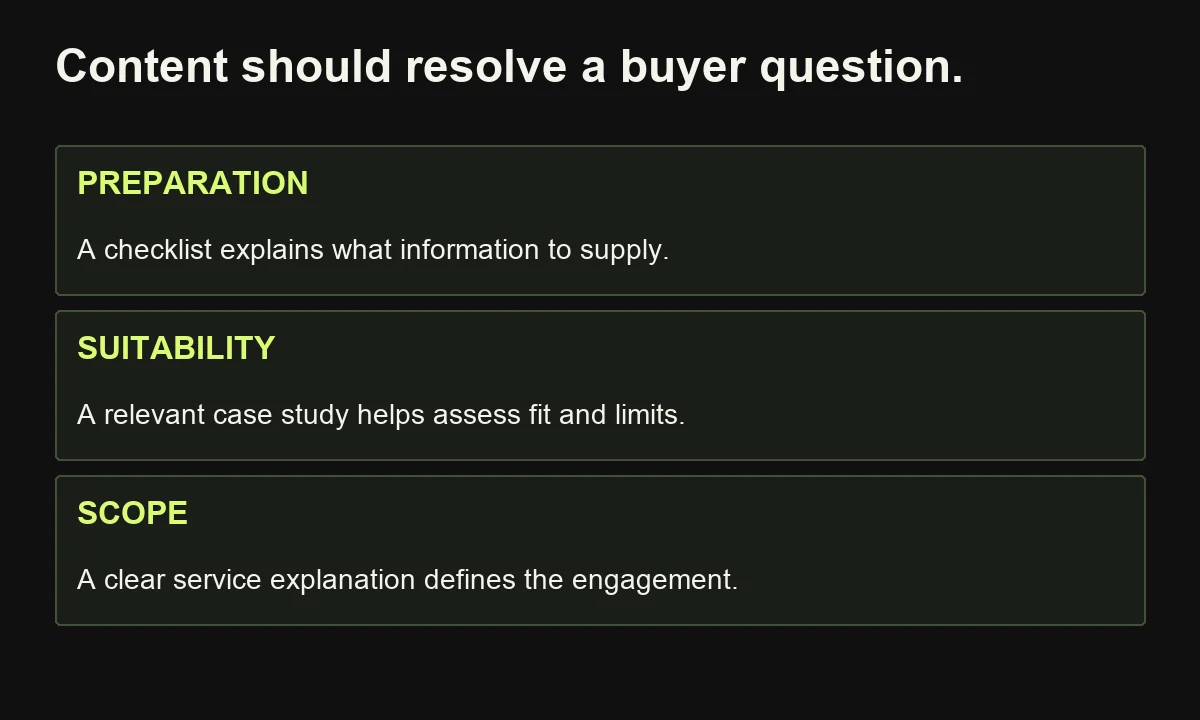
After a person reviews the enquiry, useful material might answer a specific unresolved question:
| Buyer uncertainty | Useful asset | Sensible next step |
|---|---|---|
| What should we prepare? | Short preparation checklist | Supply missing context |
| Can this approach fit our situation? | Relevant, permissioned case study | Discuss similarities and limits |
| What does the engagement include? | Clear scope explanation | Confirm suitability |
Keep important facts consistent across emails, landing pages and service descriptions. Personalisation should reflect known context, not invent a pain point or pretend a person has researched something they have not.
Different stakeholders may need different information. Adobe's buying-group documentation distinguishes accounts and the people involved in a particular purchase. You can apply that idea in a simple CRM without buying an enterprise platform.
Use ICP and buyer-persona research to inform relevance. Do not treat a job title as sufficient evidence of an individual's priorities.
7. Choose the smallest stack that can operate reliably
Choose tools after the workflow is defined. You need reliable records, appropriate messaging, the necessary integrations and usable history. An existing platform may already cover the pilot. Adding another service is justified when it solves a documented gap, not because its workflow canvas looks more sophisticated.
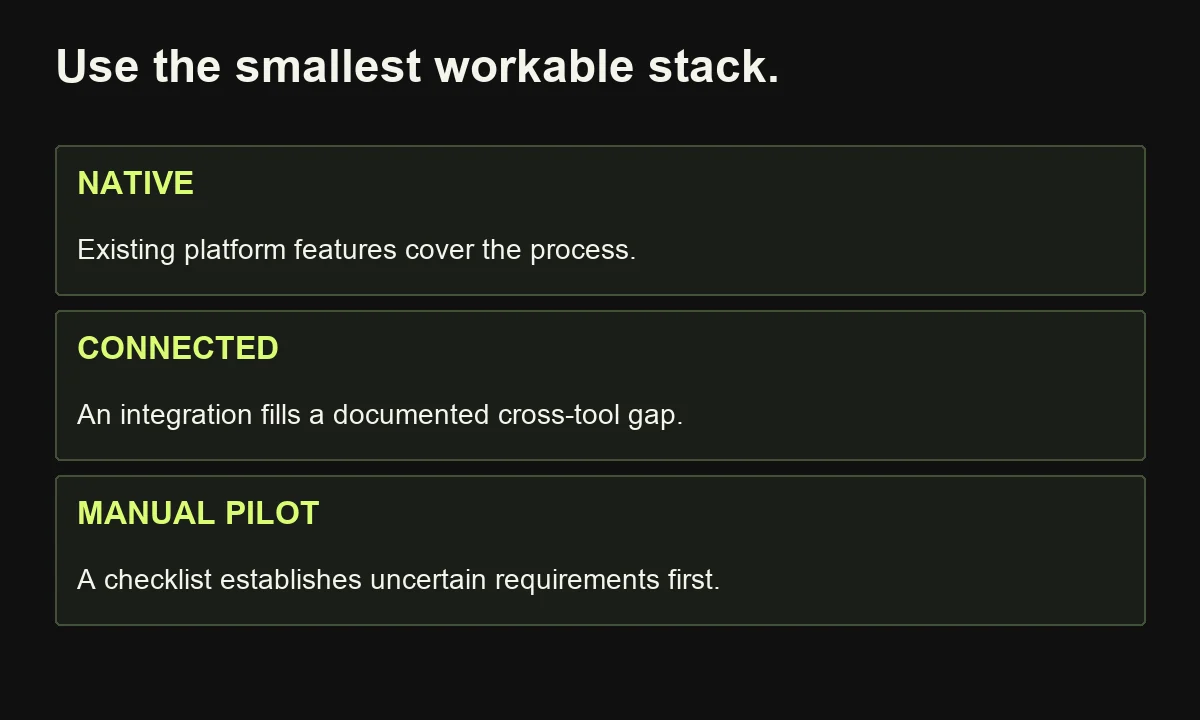
Start with three implementation options:
Native workflow: Use the CRM or marketing platform's own form, assignment and task features when they meet the requirement. Fewer transfers can make ownership and troubleshooting simpler.
Connected applications: Use an integration platform such as Zapier, Make or n8n when the required actions span separate systems. Verify each connector's supported events and actions rather than assuming an integration listing covers the exact operation.
Manual pilot: Use a controlled record and a checklist when demand is limited or the process is still being clarified. This can establish requirements before paid implementation.
Evaluate the actual subscription, permissions, usage limits, data access and monitoring requirements. A free CRM account does not imply unrestricted access to every workflow feature. HubSpot's current full workflow documentation, for example, lists relevant Professional and Enterprise subscriptions; other automation features have their own availability.
For self-hosted software, budget for hosting, updates, backups and an operator. “No licence bill” and “no operating cost” are different claims.
My marketing automation tools guide provides a broader shortlist. Use it to investigate fit, then prove the required workflow in the chosen environment.
8. Build one complete enquiry workflow
Build a complete path from a real input to a confirmed destination state. Keep the first version narrow enough that you can explain and test every branch. The following is a platform-neutral implementation blueprint for the hypothetical consultation process, not an exported automation or a claim that every connector behaves identically.
- Receive: accept the form event and record its stable submission ID.
- Validate: check required fields and confirm the event belongs to this workflow.
- Check duplication: look for that submission ID in the enquiry register.
- Write: create the enquiry once, or resume the existing record's unfinished step.
- Assign: apply an agreed ownership rule and record the selected owner.
- Notify: send the internal task or alert with relevant context.
- Confirm: verify the record and task exist at the destination.
- Reconcile: review items still waiting for acceptance or disposition.
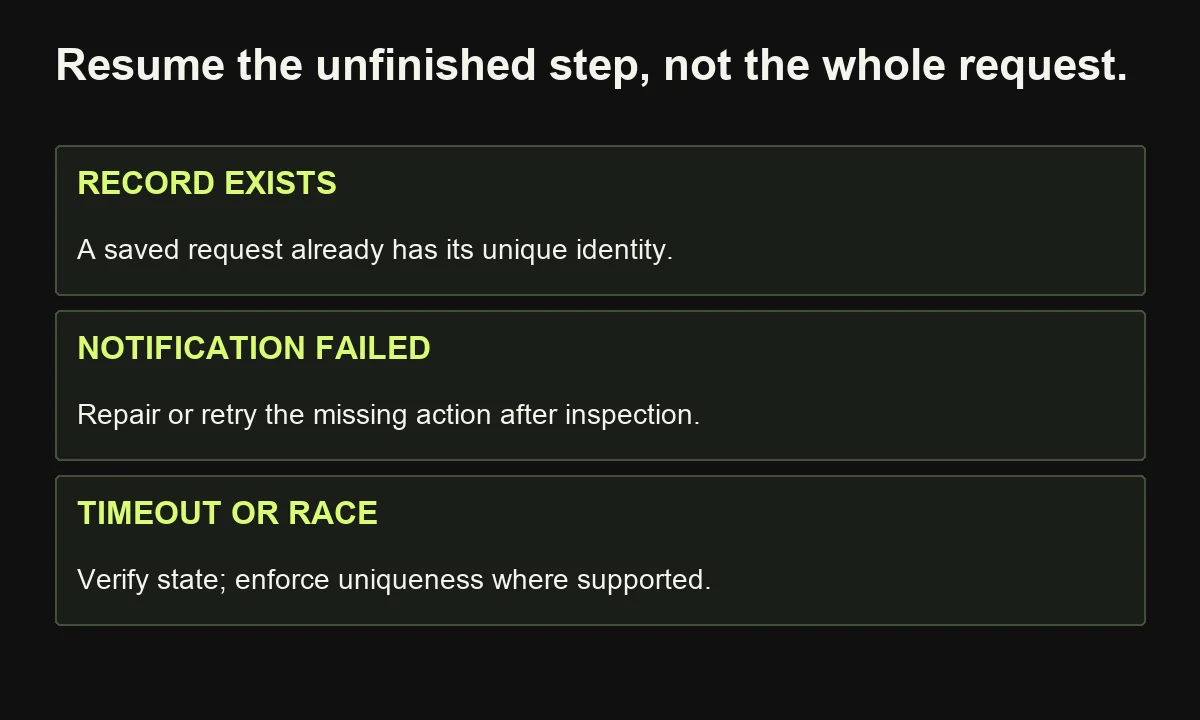
Represent intermediate states explicitly. If the record exists but notification failed, resume notification rather than recreate the enquiry. If a destination times out after possibly accepting a write, inspect its state before retrying.
A simple “look up, then create” sequence is not enough when simultaneous deliveries can race. Ask the implementer to enforce uniqueness or use the destination's supported idempotency mechanism, where available.
Idempotency means repeating the same operation does not produce an additional unintended effect. It protects a single request from duplicate processing; it must not erase a genuinely new request from the same person.
9. Test failures and buyer interruptions, not just the happy path
Test with controlled records before admitting real customers. Verify both the chosen branch and the actual destination outcome. A simulator can reveal configuration errors, but a simulated action does not prove that a live integration, notification or suppression update will work correctly. Use an end-to-end test appropriate to your platform.
Build a small test register:
| Case | Expected behaviour |
|---|---|
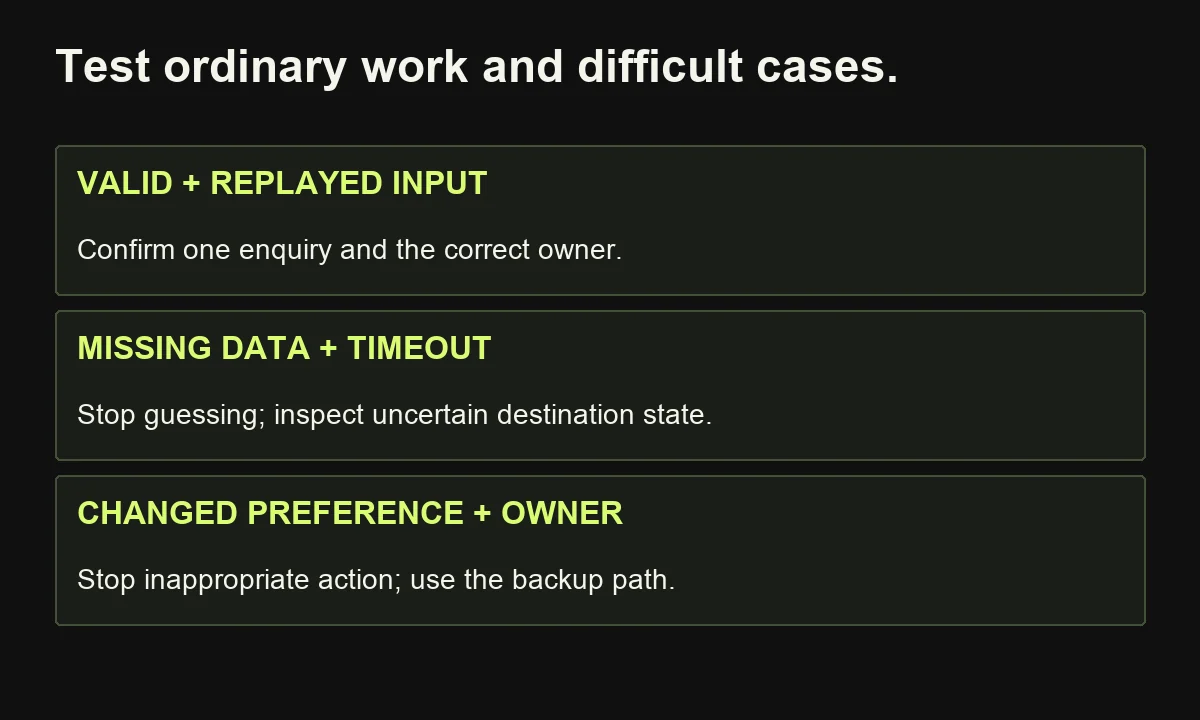
| Valid new request | One enquiry, correct owner, confirmed task |
| Missing required detail | Clarification or exception; no invented data |
| Same submission delivered twice | One enquiry; no duplicate action |
| Destination timeout | Inspect outcome before a potentially duplicating retry |
| Preference changes during a delay | Recheck before the next marketing send |
| Owner unavailable | Named backup receives a visible escalation |
| Request resolved elsewhere | Pending inappropriate follow-up stops |
HubSpot's testing documentation explains that its workflow preview simulates outcomes without executing the actual actions. Treat that as one test layer, not the entire release check.
n8n's error-handling documentation describes assigning an error workflow that begins with an Error Trigger. Check the actual alert and response path as well as the main execution.
An error handler cannot prove that a workflow which never started completed successfully. Reconcile incoming requests against destination records and unresolved states. Keep alerts limited to the information needed for investigation, with access appropriate to the customer data involved.
10. Prepare sales handoff and email delivery
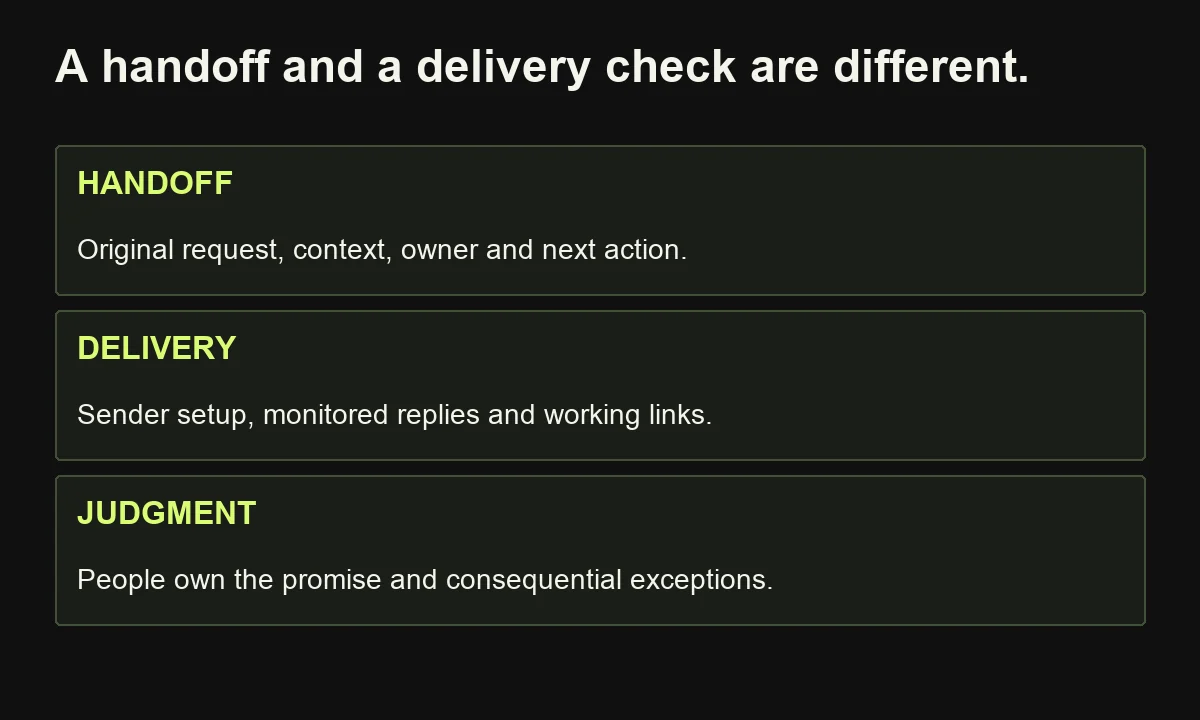
A useful handoff tells the next person what happened, what the requester needs and what decision is expected. Email readiness requires a separate check of sender setup, message quality and recipient preferences. A working integration cannot compensate for an unmonitored inbox, an unclear promise or messages that recipients should not receive.
Give sales a compact context record: original request, relevant account information, service interest, material already supplied, current owner and next action. Preserve uncertainty; “company match unverified” is more useful than an invented account relationship.
Require an acceptance or disposition reason. If sales repeatedly rejects records for missing context, repair the input or handoff rather than inflating the lead score.
Before sending externally, test sender identity, reply handling, links, mobile readability and the relevant preference controls. Confirm that a monitored person receives replies.
Google's sender guidelines distinguish requirements for all senders to personal Gmail accounts from additional bulk-sender requirements. They cover authentication, transport and message practices, including unsubscribe requirements for relevant bulk marketing mail. Check the current rules that apply to your sending pattern; do not treat successful authentication as a guarantee of inbox placement.
Where AI prepares a message, keep the approved source material and an appropriate review step. Do not let generated text invent service commitments or authorise its own release. People should remain responsible for the audience, the promise and consequential exceptions.
11. Launch gradually and measure the right denominator
Start with controlled tests, then a limited real audience and active review. Expand only when the process consistently meets its agreed operating conditions. A workflow marked successful in software does not necessarily mean that every eligible enquiry received a useful response or that the automation caused additional revenue.
Use an example scorecard with clearly defined measures:
- Coverage: eligible requests with a confirmed destination record divided by all eligible requests received.
- Ownership: records with an accepted owner divided by records requiring assignment.
- Timeliness: eligible requests dispositioned within the agreed window divided by those whose window has elapsed.
- Quality: corrections, duplicates and inappropriate sends, counted and investigated.
- Effort: active staff time across preparation, review and exceptions, not just the automated step.
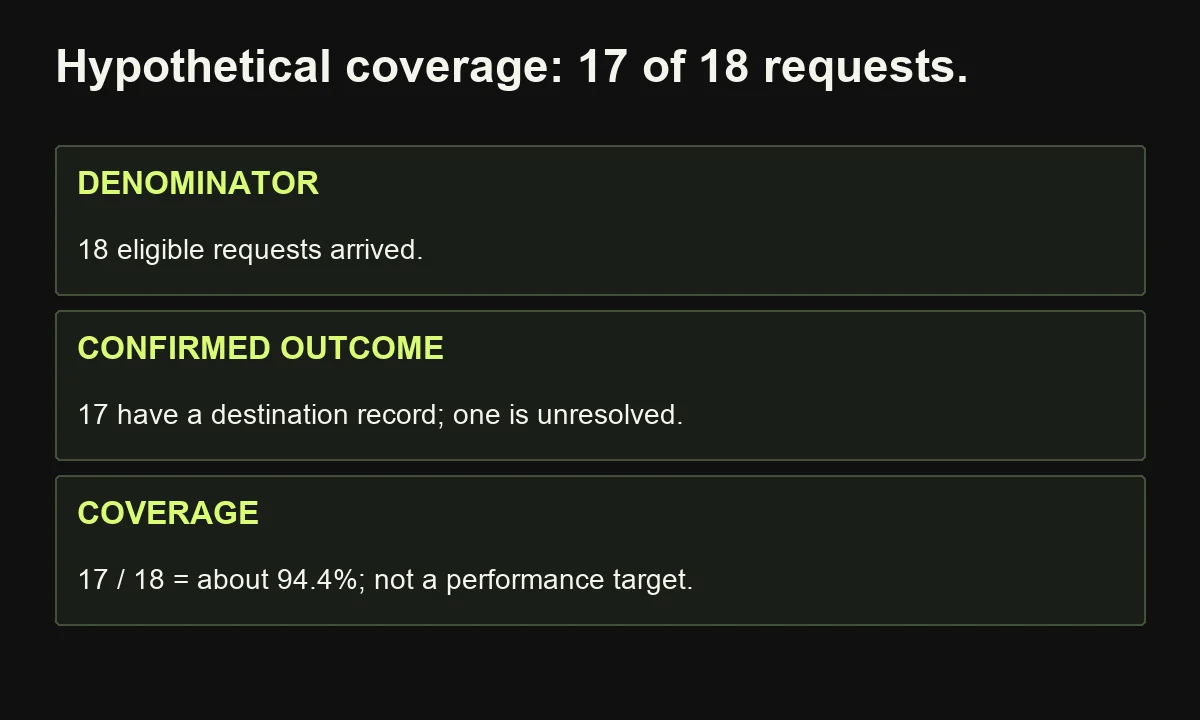
For illustration, suppose 18 requests were eligible, 17 reached the destination and one remained unresolved. Coverage is 17/18, about 94.4%. Reporting “17 successful runs” without the missing request hides the problem. These are hypothetical numbers, not a target or client result.
Separate that operational finding from sales results. A recently received enquiry may need substantial time to become an opportunity. Compare cohorts with similar follow-up windows and record changes in offer, staffing and campaigns.
Recovered time is capacity unless spending actually falls. For financial evaluation, include setup, subscriptions and maintenance; avoid treating attributed pipeline as realised cash. A first pilot can demonstrate operational improvement while leaving revenue impact uncertain.
12. A practical rollout plan and frequently asked questions
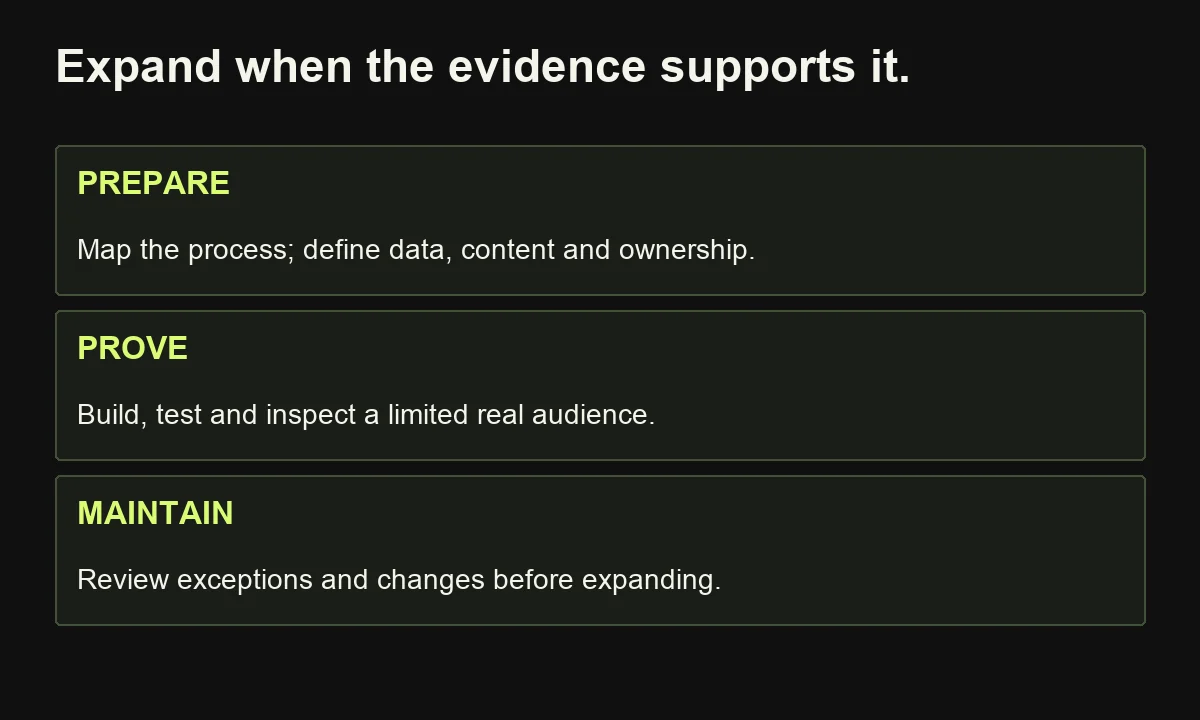
Use a staged plan with explicit release conditions, rather than treating the calendar as proof of readiness. In the first week, map the process and establish a baseline. Next, prepare data, content and rules. Then build and test. Finally, admit a limited audience, review exceptions and decide whether expansion is justified.
Use the B2B automation launch worksheet to document the workflow, evidence and owner. Assign a review trigger for changes to forms, connectors, offers and staffing.
Can a small B2B business start for free?
Possibly, using existing tools and a manual or limited automation pilot. Verify the exact features and limits. Even without another subscription, setup and review take time. Begin with the smallest workable process, then pay for a demonstrated requirement.
Should I start with lead scoring or nurturing?
Start with the bottleneck. Fix lost or unclear handoffs before adding scores. Build nurture only when you have relevant content, appropriate eligibility and reliable exit conditions. A sequence should help a buyer progress, not substitute for understanding their request.
Do I need a consultant?
You may manage a simple, well-defined process internally. Get help when audience research, content direction, data rules or integrations exceed your team's capacity. If the difficult part is deciding what to communicate and how content should support the handoff, tell me about the workflow. I can help connect research, strategy and writing to a practical starting point.