AI summary
Choose marketing automation tools by the work they must support, not by a universal ranking. Start with trusted customer records, useful messages, and dependable handoffs; test the required configuration before buying.
- Shortlist by category: Investigate HubSpot for CRM-connected marketing; ActiveCampaign or Brevo for email journeys; Customer.io for lifecycle messaging; Klaviyo for commerce; and Zapier, Make, or n8n for integrations.
- Price the actual workflow: Contacts, profiles, sends, tasks, credits, and executions are different units. Include required upgrades, setup, AI usage, review, and maintenance.
- Make requirements pass first: Test ordinary inputs, missing data, duplicates, rejected outputs, and failed destinations. Attractive features cannot compensate for a failed essential requirement.
- Keep human ownership: People decide the audience, evidence, permissions, and quality standard. Select a system the actual team can maintain, inspect, and recover.
Marketing automation tools worth trying in 2026 include HubSpot, ActiveCampaign, Brevo, Customer.io, Klaviyo, Zapier, Make, and n8n. Choose by the job: customer campaigns, behavior-based journeys, or connecting existing systems. Compare the complete workflow, required plan, data quality, human review, and operating cost before committing. There is no universal winner.
A platform can have an excellent automation builder and still be the wrong purchase. Perhaps your team needs stronger follow-up content, not more triggers. Perhaps customer information lives in several systems and the missing piece is a dependable handoff.
This guide is for B2B marketing teams and service businesses, with an ecommerce option where purchase data matters. It is a documentation-based shortlist, reviewed 15 October 2026, not a hands-on performance ranking or a claim that every tool was independently tested.
| Start with this need | Tools to investigate |
|---|---|
| CRM-connected demand generation | HubSpot |
| Email-led nurturing | ActiveCampaign, Brevo |
| Product and lifecycle messaging | Customer.io |
| Ecommerce customer journeys | Klaviyo |
| Connecting existing applications | Zapier, Make, n8n |
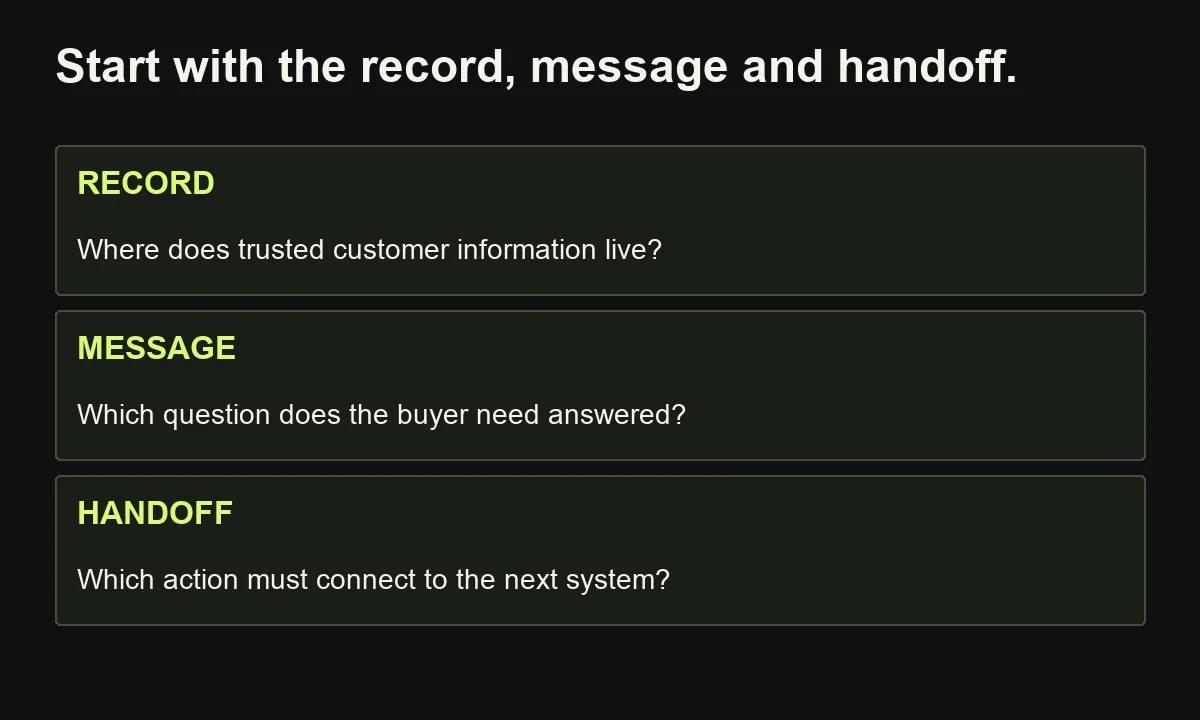
My selection method is Record–Message–Handoff: establish where trusted customer information lives, what communication the buyer needs, and which actions must connect. This is an editorial decision aid, not a validated scoring model. Use it to remove unsuitable categories before comparing subscriptions.
1. HubSpot: try it for CRM-connected B2B marketing
HubSpot is worth investigating when marketing and sales need a shared customer context alongside campaigns and automation. Its appeal is the connection between records, communication, and the wider customer platform. Evaluate the required Marketing Hub tier and contact economics before assuming an entry-level subscription includes the workflow your team needs.
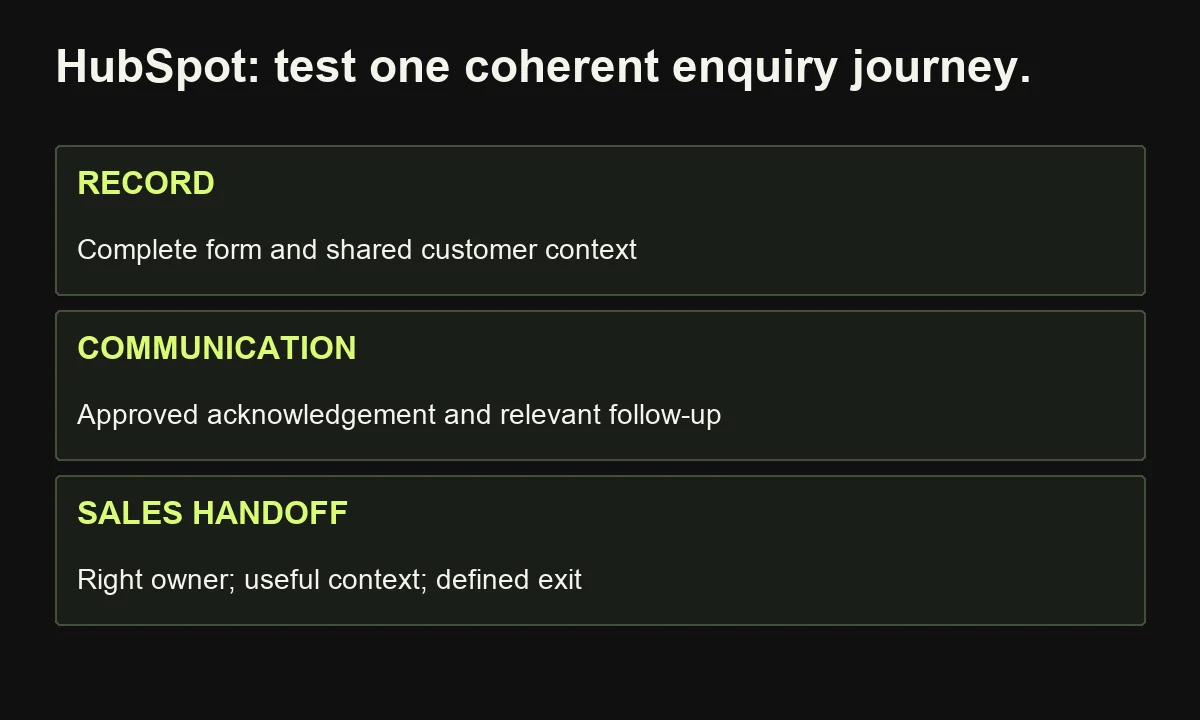
HubSpot's marketing automation page describes automated campaigns using customer information. The strategic reason to shortlist it is coherence: the team may need to connect an enquiry, relevant messages, and the sales conversation around one record.
Try this: define a hypothetical consultation journey. A relevant form submission enters the system, receives an approved acknowledgement, and moves to the appropriate owner. Follow-up should stop or change when the person's situation changes.
Ask the vendor to show how your selected plan handles that exact journey. Inspect required fields, repeat submissions, exclusions, permissions, and the information the salesperson receives.
Cost lens: use the current pricing page to assess marketing contacts, users, included automation, onboarding, and any necessary upgrades. Stored contacts and marketable contacts are not interchangeable budgeting assumptions.
Reconsider it when: you need a small integration between existing tools and have no reason to change your customer platform. A suite migration can become a larger project than the original bottleneck.
2. ActiveCampaign: try it for email-led nurturing
ActiveCampaign belongs on the shortlist when segmentation and automated email journeys are central to the marketing operation. Evaluate whether its workflow capabilities fit the distinctions your buyers actually need. Its usefulness depends on relevant messages, reliable contact information, and clear entry and exit rules—not merely the number of branches you can draw.
Its marketing automation documentation page describes building customer journeys, while the plan comparison separates automation limits and other capabilities across tiers.
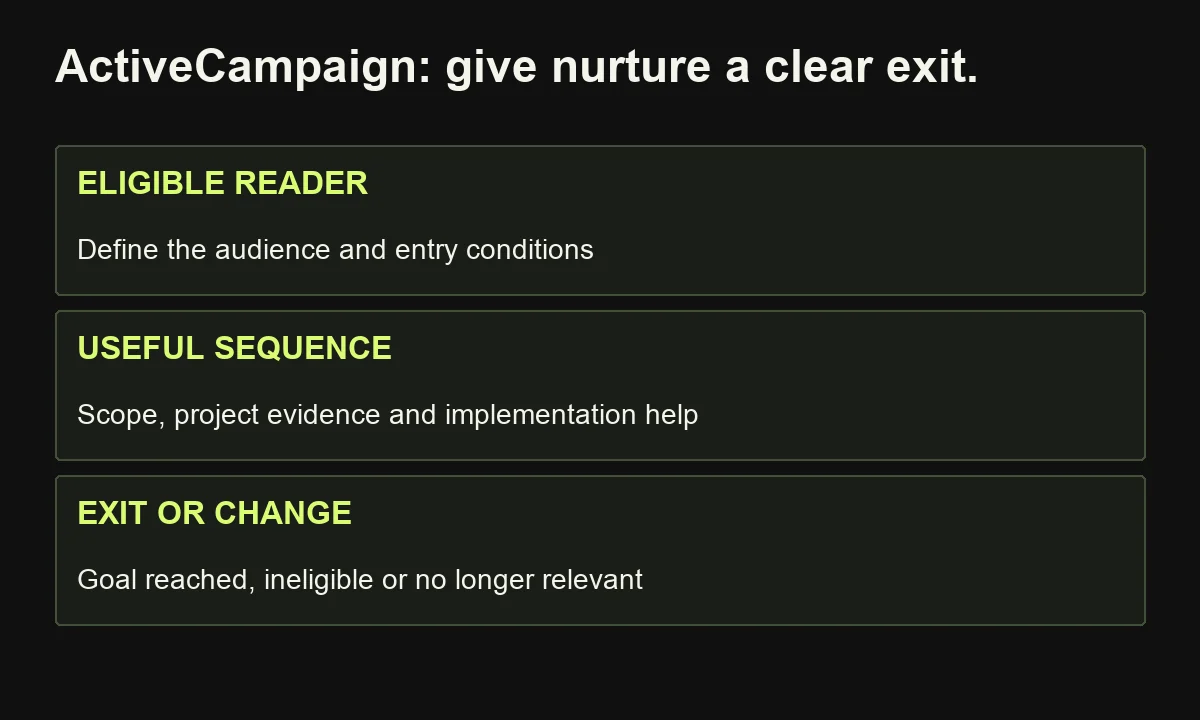
Try this: build a small sequence for people evaluating a content audit. One message explains scope; another provides a relevant project example; a third answers an implementation concern. Define who belongs in the sequence and when they should leave it.
Test a repeat entry, an ineligible contact, and a person who reaches the intended goal before all messages are sent. Check the record and message history, not just the diagram.
Cost lens: compare the selected contact allowance, email sending limits, automation actions, user access, and optional channel or CRM add-ons. The currently documented Starter tier limits each automation to five actions; confirm that your proposed sequence fits before purchasing.
Reconsider it when: your main requirement is technical orchestration across several internal systems. An email-centered platform is not automatically the most practical home for every operational process.
3. Brevo: try it for a bounded email automation pilot
Brevo is a candidate for teams exploring email campaigns and marketing automation without immediately adopting a broad customer-platform programme. Assess the specific plan's sending allowance, contact storage, automation eligibility, and channels. “Affordable” is meaningful only after those limits are matched to your actual audience and recurring workload.
Brevo's plan documentation explains email-volume tiers and associated contact limits. It also distinguishes which automation capabilities are included. Do not repeat older comparisons that imply every plan permits unlimited contacts or unrestricted workflows.
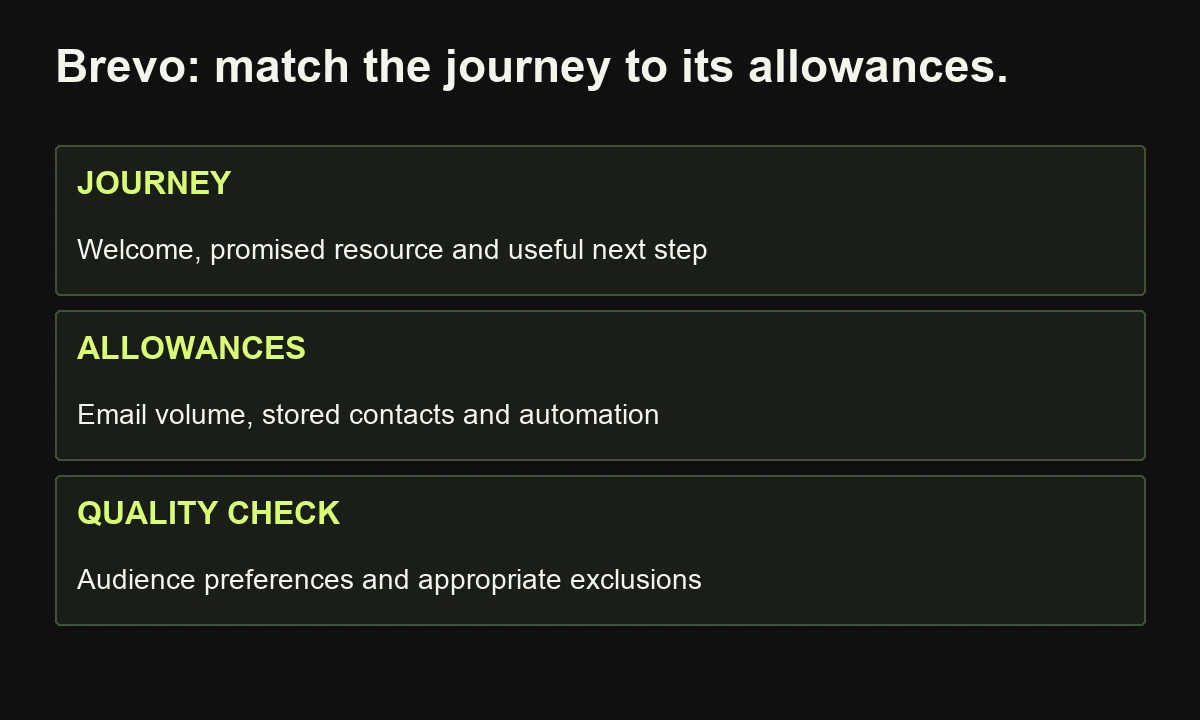
Try this: create a welcome journey for an opted-in audience. Deliver the promised resource, explain one relevant problem, then offer a useful next step. Keep essential subscription preferences and exclusions visible in the design.
Ask how the selected plan handles entry, repeat participation, daily or monthly send limits, and contacts no longer eligible for the journey. Test the entire experience with representative records.
Cost lens: calculate expected email volume across campaigns and automations, including busy periods. Then inspect storage limits, channels, branding requirements, and access needed by colleagues.
Reconsider it when: your project needs sophisticated product-event modeling or complex coordination between marketing and sales that the selected configuration cannot demonstrate.
A smaller pilot is valuable when it tests both the technical process and whether the message deserves sending.
4. Customer.io: try it for behavior-based lifecycle messaging
Customer.io is worth evaluating when customer behavior should determine the next message, especially for product onboarding and lifecycle communication. Its Journeys product supports multiple trigger types and channels. The important prerequisite is dependable customer and event data; an event-driven platform cannot correct ambiguous definitions of what customers actually did.
Customer.io's Journeys page documents event, segment, relationship, date, and other triggers, plus branching and channels. These capabilities can support nuanced journeys, but they also require a maintained data contract.
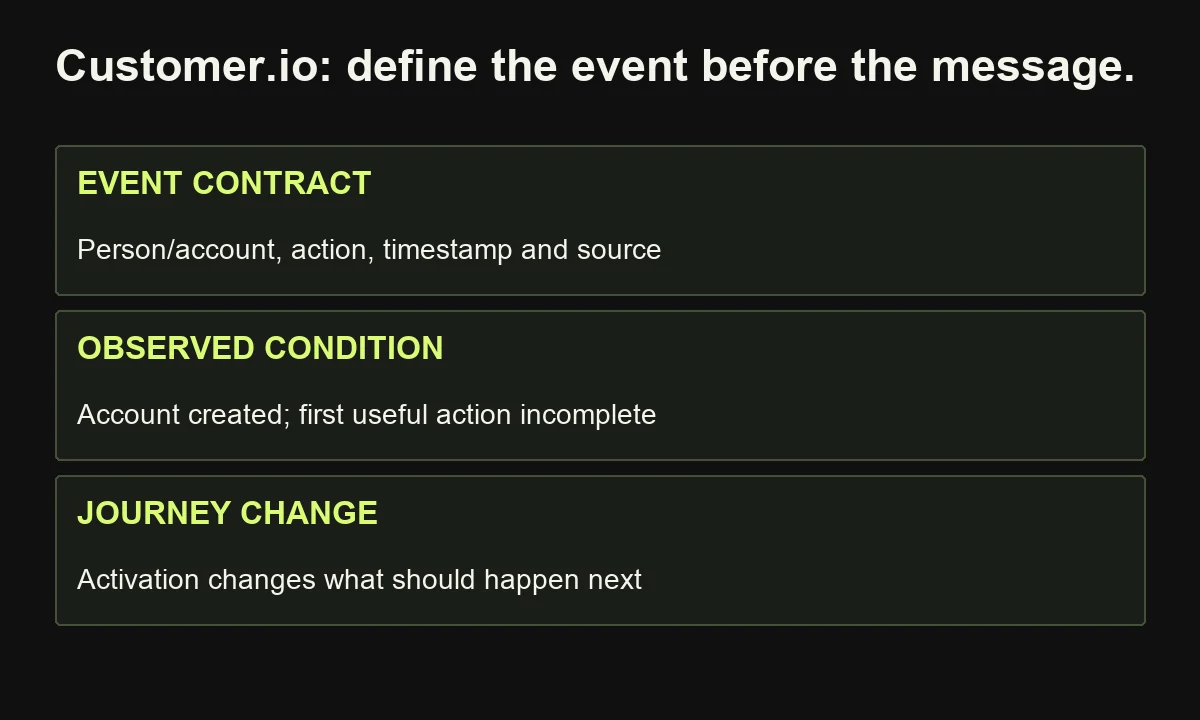
Try this: model a hypothetical software onboarding journey. A person creates an account but has not completed the first useful action. Send relevant assistance only while that condition remains true. Successful activation should change the next communication.
Define the activation event precisely. Identify who sends it, which person or account it belongs to, its timestamp, and how late or repeated events should be interpreted. Have the product or engineering owner inspect the trial with marketing.
Cost lens: review profile and message allowances, including how people and objects contribute to profile volume. Check channel costs, implementation work, and the plan features needed for your data model.
Reconsider it when: you mainly need a simple newsletter and cannot support reliable event collection. Complexity without usable inputs adds maintenance before it adds value.
5. Klaviyo: try it when commerce data drives the journey
Klaviyo deserves consideration when purchases and customer activity should inform marketing communication. It is particularly relevant to an ecommerce evaluation, rather than a default choice for every B2B service business. Compare the quality of your store integration, customer records, messages, and suppression rules before treating automated flows as a growth strategy.
Klaviyo's pricing and product information describe email and mobile messaging, segmentation, automations, and integration options. The fit recommendation here is editorial; it is not evidence that Klaviyo outperforms another vendor.
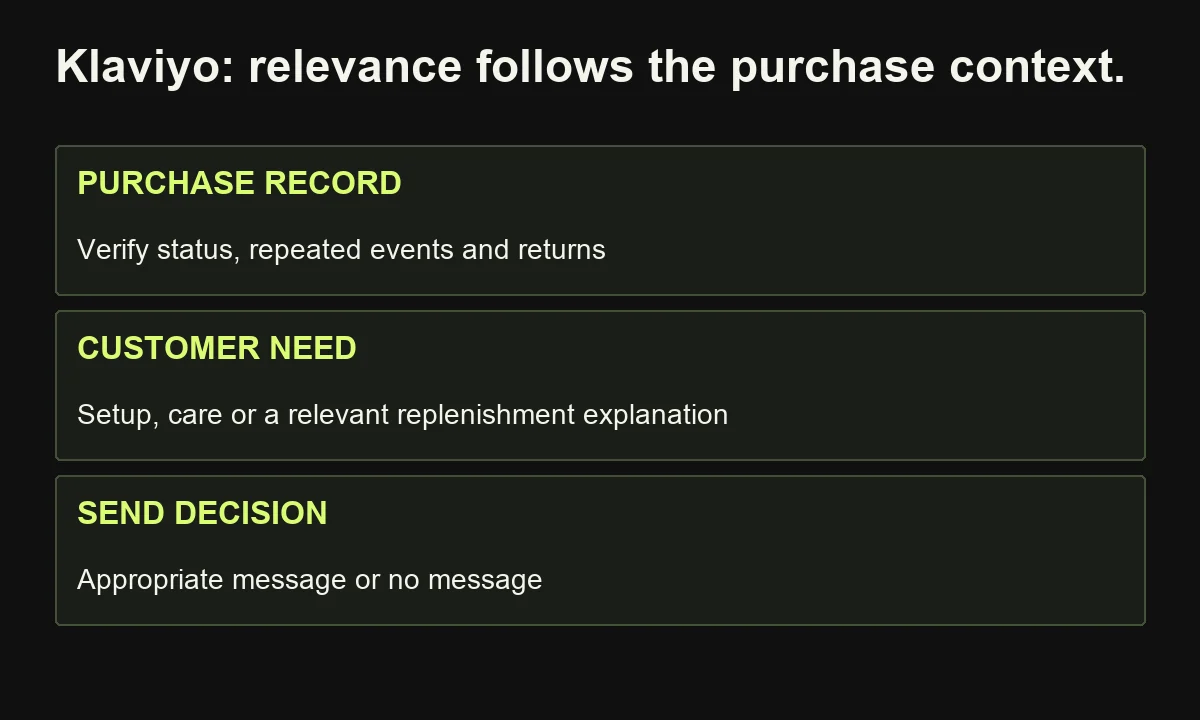
Try this: map an illustrative post-purchase journey around one product category. Decide what a customer needs after buying: setup guidance, care instructions, or a relevant replenishment explanation. Do not assume every order should trigger an immediate upsell.
Verify how the integration handles purchase status, repeated events, returned orders, and contact preferences. A condition in a diagram is useful only if the underlying record updates correctly.
Cost lens: the current free plan lists up to 250 active profiles and 500 monthly email sends. These are trial boundaries, not a complete production budget. Review paid profile tiers, send allowances, mobile-message costs, and any additional products required.
Reconsider it when: your business has no meaningful commerce journey and mainly needs enquiry routing or an editorial review process. A commerce-oriented comparison may distract from the real requirement.
6. Zapier: try it for connecting an existing marketing stack
Zapier is a candidate when information must move between applications your team already uses. It can connect a form, customer record, document, notification, or other workflow step. It is an integration platform, not a replacement for the destination CRM or email system. Evaluate supported actions, error handling, and usage on the complete process.
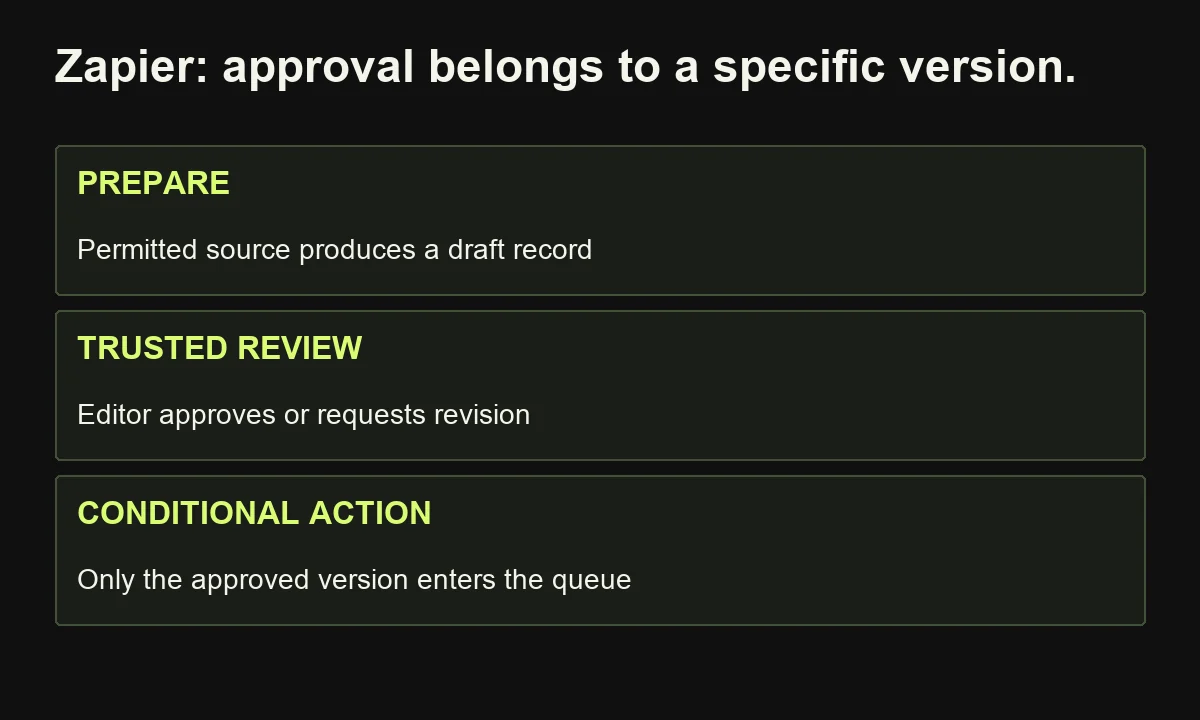
Try this: a hypothetical webinar record triggers preparation of a content brief, saves a draft, and asks an editor to review it. Approved work enters a publishing queue; revisions remain in the drafting process.
Zapier's Human in the Loop feature can pause for review input on eligible paid plans. Configure subsequent actions to depend on the actual reviewer decision and approved version.
Cost lens: task accounting distinguishes billable steps, exemptions, retries, and product-specific usage. Estimate a normal run, a correction, and a busy month before choosing a tier.
Test missing sources, duplicate triggers, rejected drafts, and unavailable destinations. Retain an input identifier and inspect the destination before retrying an uncertain write.
Reconsider it when: a maintained native integration already solves the job with less effort. Adding a separate connector is worthwhile only when it removes a real constraint or supplies controls the simpler approach lacks.
7. Make: try it for visual workflows with branching and data handling
Make is worth investigating when a marketing process involves several applications, different routes, or repeated data transformations. Its scenarios connect actions across systems. The useful question is whether your team can understand, inspect, and maintain that logic—not whether the finished canvas looks more sophisticated than a linear workflow.
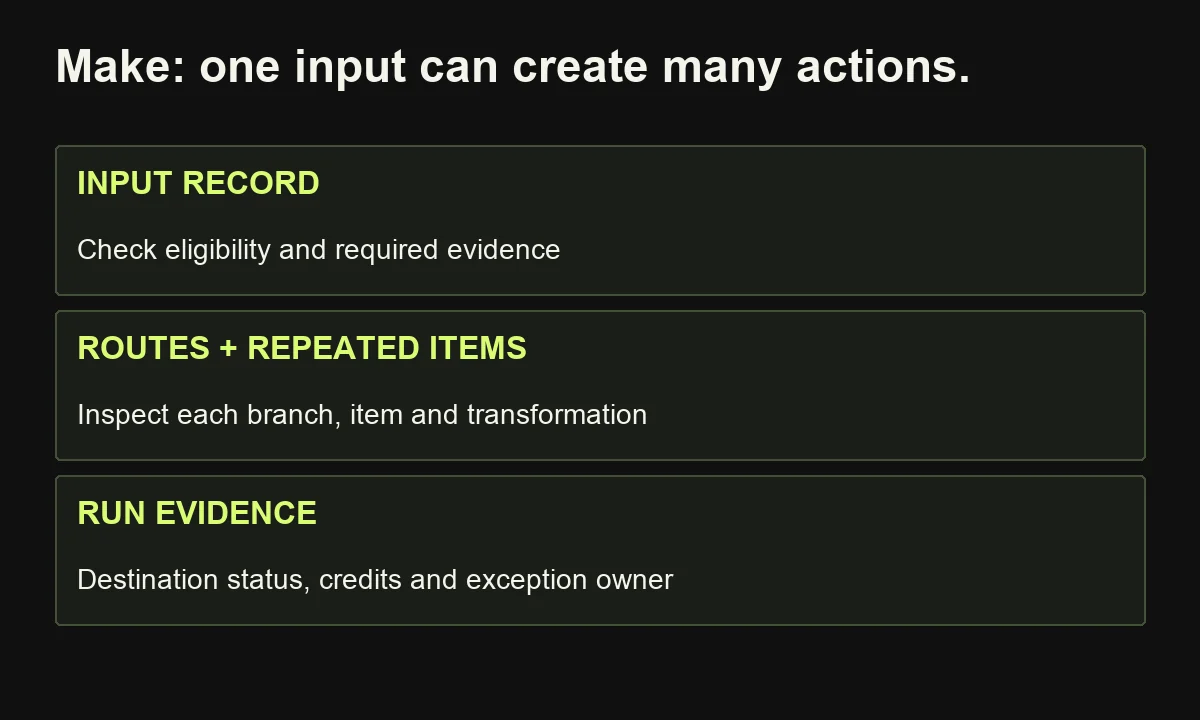
Make's pricing explanation describes scenarios as connected workflows. Its credit documentation explains that usage can be fixed or dynamic, particularly for AI features. Avoid assuming every module always consumes exactly one credit.
Try this: process an approved content inventory. Retrieve relevant records, route them by status, prepare tasks for their owners, and record the result. Missing evidence should become an exception, not an instruction to invent content.
Track what happens when one input produces several items. A workflow that looks short can perform many actions across repeated records. Inspect actual run history and consumption rather than estimating only from the number of visible modules.
Cost lens: compare expected credits, AI-provider charges where applicable, scheduling requirements, data allowances, collaboration, and retained execution information. Include the effort needed to maintain mappings when connected fields change.
Reconsider it when: the team has no named person who can explain the branches and resolve incomplete runs. Visual construction does not remove operating responsibility.
8. n8n: try it for custom workflows with technical ownership
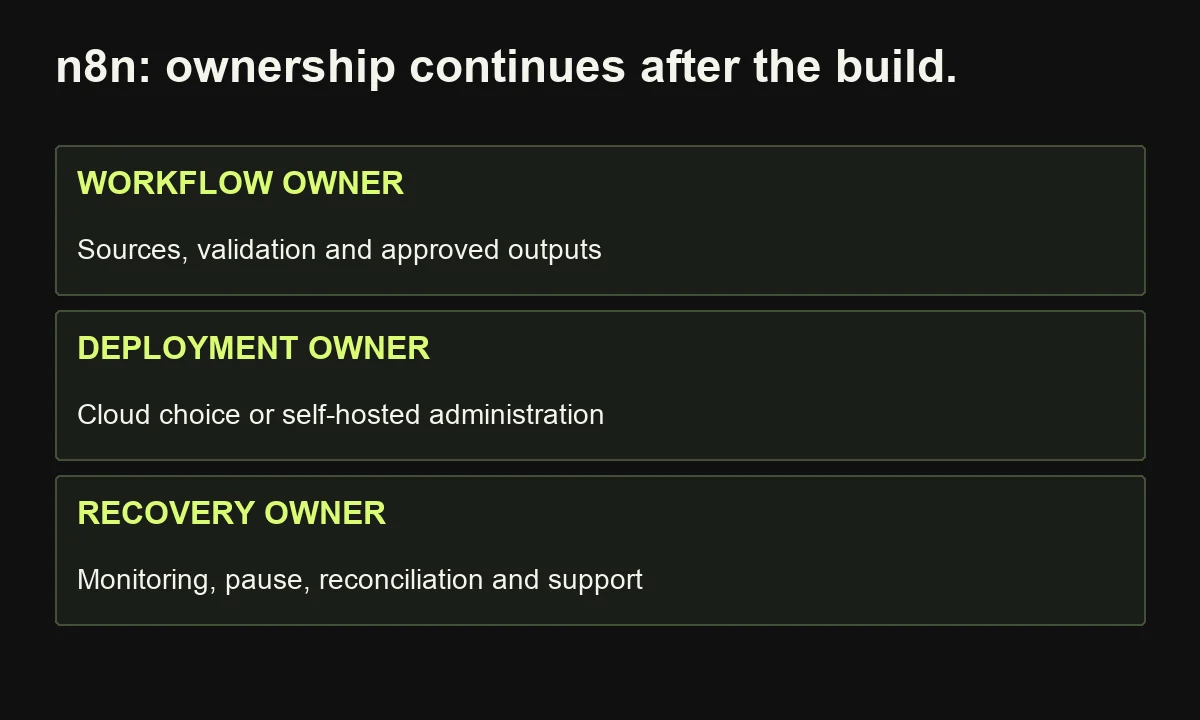
n8n is a candidate when custom integrations, workflow logic, or deployment choices matter and a capable owner can maintain the system. It supports cloud and self-hosted options with different responsibilities. Flexibility is useful when the process needs it; self-hosting is not automatically cheaper, easier, or a substitute for proper operational support.
Try this: build an illustrative research-to-draft workflow. Retrieve permitted source material, validate required fields, prepare a structured draft, and route it to an editor. Retain the source and approved version so the final output remains traceable.
n8n documents human review for selected agent tool calls. Use it where an action requires explicit judgment; keep exact checks such as required fields and approval status outside model-generated persuasion.
Cost lens: the plan comparison uses workflow executions for paid allowances. Also inspect concurrent runs, stored history, collaboration, and governance features. AI-provider usage and connected services may create additional costs.
The hosting documentation explains deployment options. Budget for administration, updates, monitoring, backups, and support when evaluating self-hosting. Decide who handles an unavailable service or a failed workflow before launch.
Reconsider it when: nobody can own technical changes and the task is adequately served by a simpler native integration.
How should you compare marketing automation tools before buying?
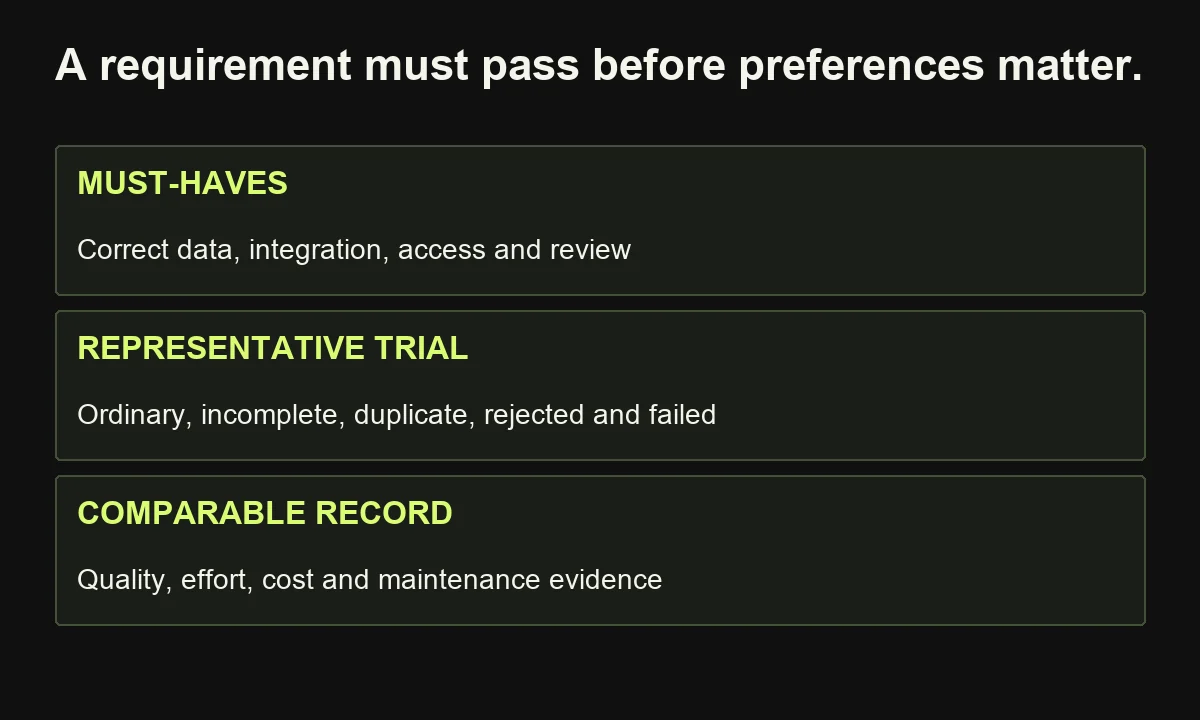
Compare two or three plausible tools using the same workflow, inputs, acceptance criteria, and operating volume. Separate mandatory requirements from preferences. Reject a failed requirement before averaging scores: polished AI copy cannot compensate for a missing integration, inappropriate permissions, or an unreliable approval condition.
Use the editable tool-trial scorecard to record evidence, not just opinions. Its suggested checks cover data, message quality, handoffs, exceptions, access, exports, and total cost.
Test an ordinary item, incomplete input, duplicate event, rejected output, and unavailable destination. Record corrections, active effort, elapsed time, and usage. Have the actual operator and reviewer participate; a specialist's demonstration may not represent everyday use.
Price the required configuration, not the advertised starting tier. Profiles, contacts, sends, tasks, credits, and executions are different units. Include setup, content preparation, review, maintenance, and connected tools. My automation investment guide separates capacity gained from cash genuinely saved.
People remain responsible for audience choices, evidence, permissions, and claims. AI can prepare alternatives and simplify work within that structure. It does not make the commercial judgment unnecessary.
Finally, change one approved offer fact and one connected field. Observe how much work it takes to update the system. Difficult maintenance can outweigh an impressive demonstration.
Frequently asked questions about marketing automation tools in 2026
Which marketing automation tool is best for a small business?
Start with the actual job and existing systems. Email-led teams might investigate Brevo or ActiveCampaign; CRM-connected teams may assess HubSpot. For a cross-application handoff, compare native integrations with Zapier, Make, or n8n. Budget and ownership should narrow the shortlist.
Are free marketing automation tools enough?
They can support a bounded trial, but limits vary across contacts, messages, actions, and features. Confirm that the required workflow fits the current plan. Setup and maintenance still consume time.
Do AI features make one platform better than another?
Only when they improve your actual assignment. Compare accepted output, evidence quality, review effort, and cost using the same material. An agent label does not establish useful performance.
Should I replace my current tools?
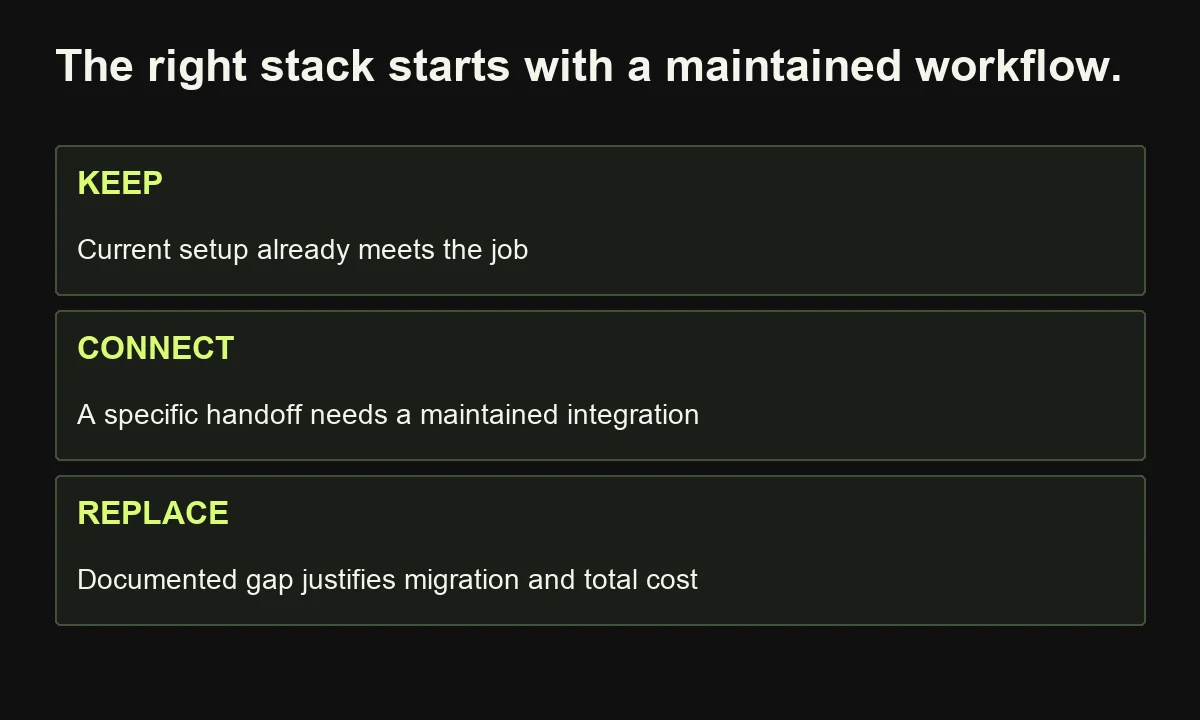
Replace them when a documented gap justifies migration and its ongoing cost. First test whether better configuration, content, or a native integration resolves the problem. Include exports, training, and transition work.
Choose a workflow you can explain before a platform you can buy. If your shortlist is growing but the requirements remain unclear, tell me what your marketing process needs to achieve. I can help define the content, handoffs, and pilot criteria before your team commits to a stack.